
LakeKeeper+MinIO
Simulating a real AWS Iceberg workload locally

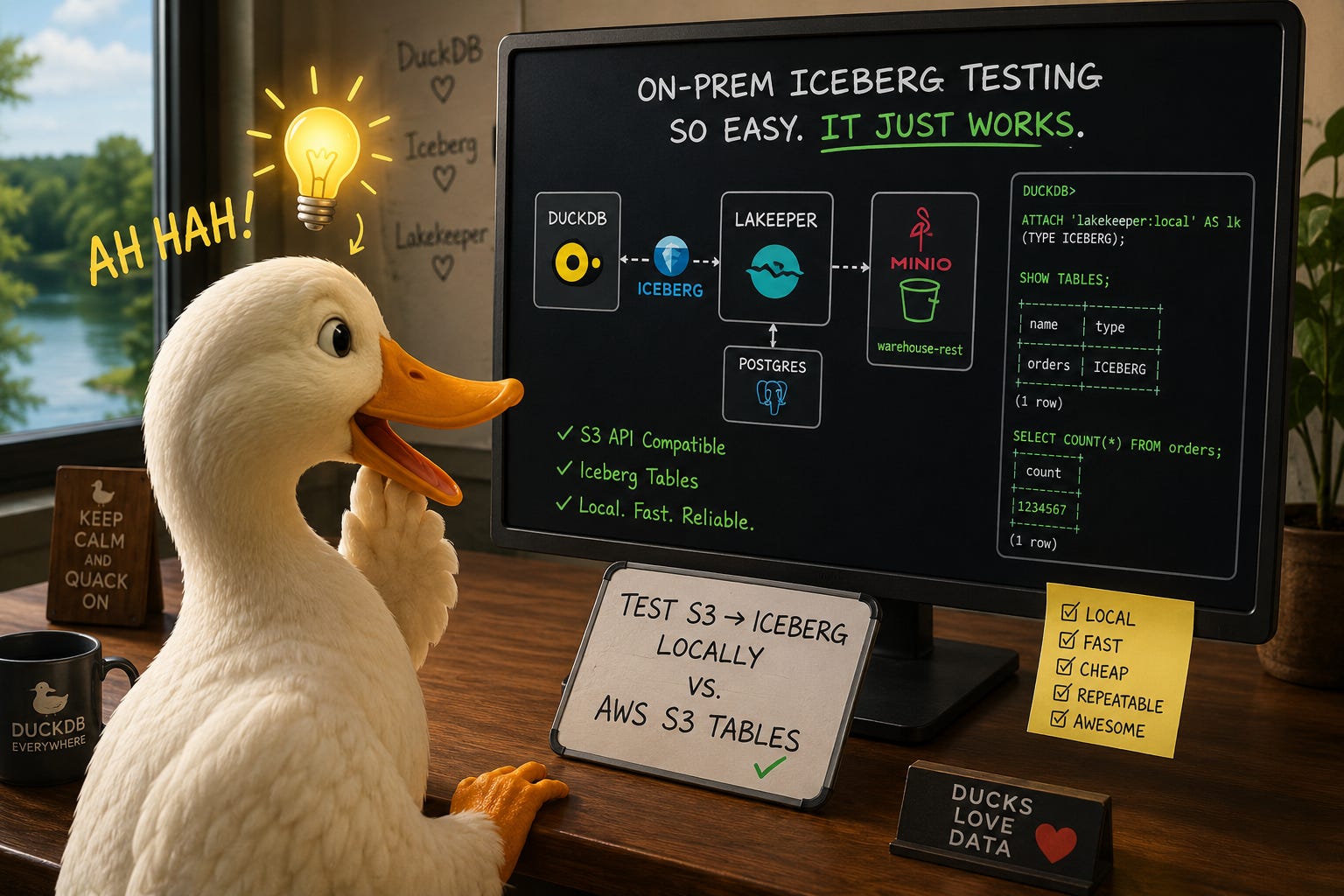
This is a rather bold statement I’m about to make, but I think we have finally hit the holy grail of local Iceberg development on DuckDB to build genuine scripts that can be tested fast and cheap locally and then deployed up to the AWS stack (Or GCP/Azure if you’d like).
If you rewind nearly a year ago, DuckDB’s Iceberg extension just started supporting more than reading data; you could now do simple writing such as creating a bare bones table and doing inserts. At the time, this was a significant shift in the support posture DuckDB was offering for Iceberg, given DuckLabs was also rolling out DuckLake.
Side Note - I’m actually in the midst of authoring the O’Reilly book “DuckLake - The Definitive Guide” with my co-author Alex Monahan. You can get early release chapters at this link if you are interested.
However, fast-forward to today and the DuckDB Iceberg extension now supports all of the following DDL/DML syntax:
CREATE TABLE AS (CTAS)
MERGE INTO
INSERT
UPDATE
DELETE
This is a big freaking deal. You now have the ability to author scripts that can easily read files from S3/GCS/Azure, do transformations, and then merge them to an Iceberg target, all with just using DuckDB - no spark necessary.
However, what do we do about local development?
Hello LakeKeeper+MinIO
I’ve heard of MinIO in the past, but never really gave it a try until a few months ago. MinIO basically is a simulated S3 environment, but without you having to need an AWS account. It’s simple to stand up and all runs in Docker.
LakeKeeper is an Iceberg catalog written in rust. When you marry the 2 of these together in a simple docker setup, you get the ability to build and run CRUD scripts on Iceberg tables, but locally and fast. And then, when it’s time to promote the locally tested script up to S3, you can do so by simply toggling a few environment variables. And that’s what the rest of this article will showcase and walk through.
The Docker File
First thing we will do is setup a simple docker compose file that builds our environment for MinIO+LakeKeeper. The full script is about 142 lines long, so I won’t post here, but there’s a link at the bottom of this article to it, as always. One important thing I did for this docker file was put my MinIO bucket name in a .env file; when the docker compose script runs, it will reference the .env file and pull in the minio bucket name, so that it’s not hardcoded throughout the file. The bucket name also gets reused in a a few other scripts.
The Raw Data
As like many of my prior posts, I’m going to use the TPCH dataset and load the orders table to both the MinIO local bucket, as well as the AWS S3 bucket.
The actual script to push to a bucket is as simple as this:
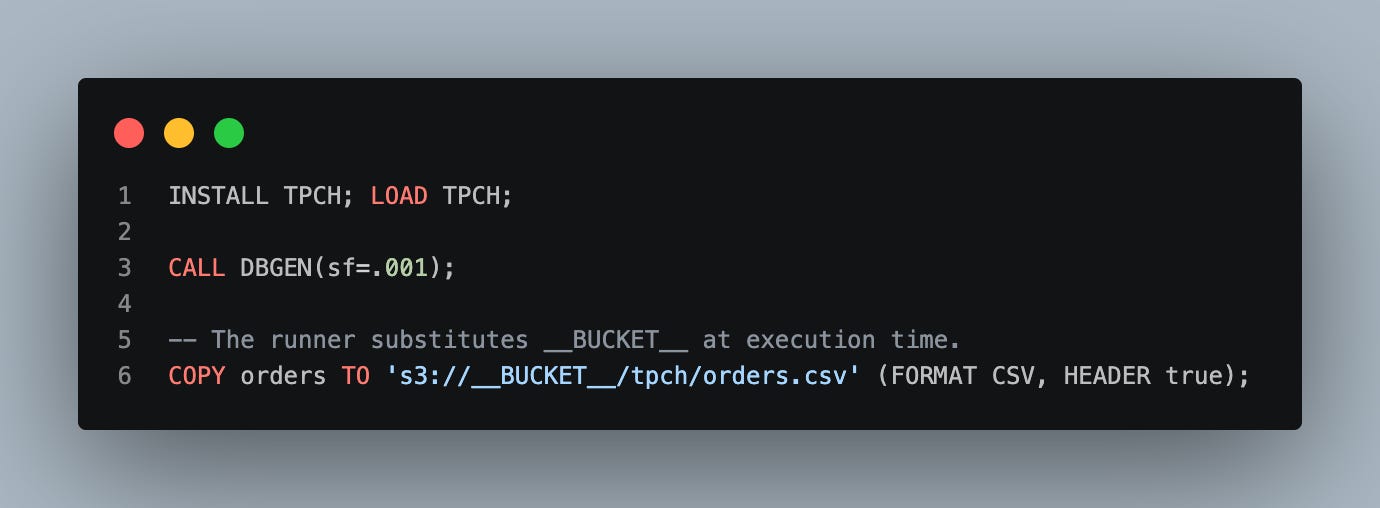
You will notice a “__BUCKET__” placeholder. That gets substituted for the bucket name at run time depending if we are targeting dev or prod.
The Iceberg Workload
Now that our raw dataset is squared away, this Iceberg script demonstrates what is now possible when we run DuckDB against an authenticated Iceberg warehouse. The actual script that wires up environment to target for DuckDB is in a bash script that we will talk about soon:
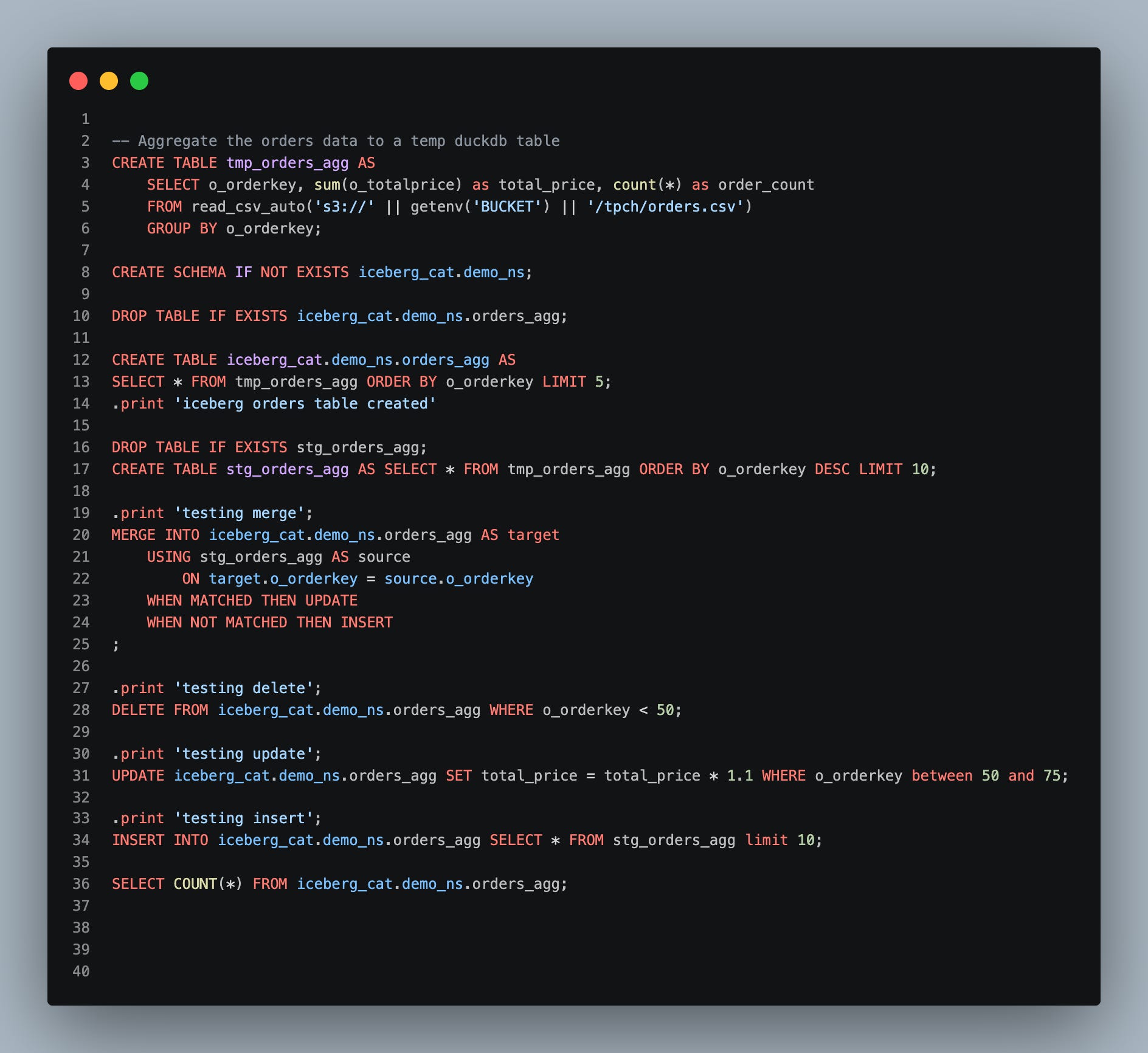
What this script does is the following:
reads from the raw source bucket, which is substituted at run time depending on if we are targeting dev (MinIO) or prod (AWS S3)
creates an iceberg schema
runs a CTAS
creates a temp table and then runs a MERGE statement
finally, demonstrates running DELETE/UPDATE/INSERT/SELECT
The script targets the full spectrum of the most common DDL/DML operations one would run on an Iceberg table, less the maintenance operations such as compaction. I’d say this is a pretty significant step for the DuckDB Iceberg Extension
Wiring Up the Environment
To wire up the environment, we first have a bash script that has a reusable function to get our targeted bucket name:
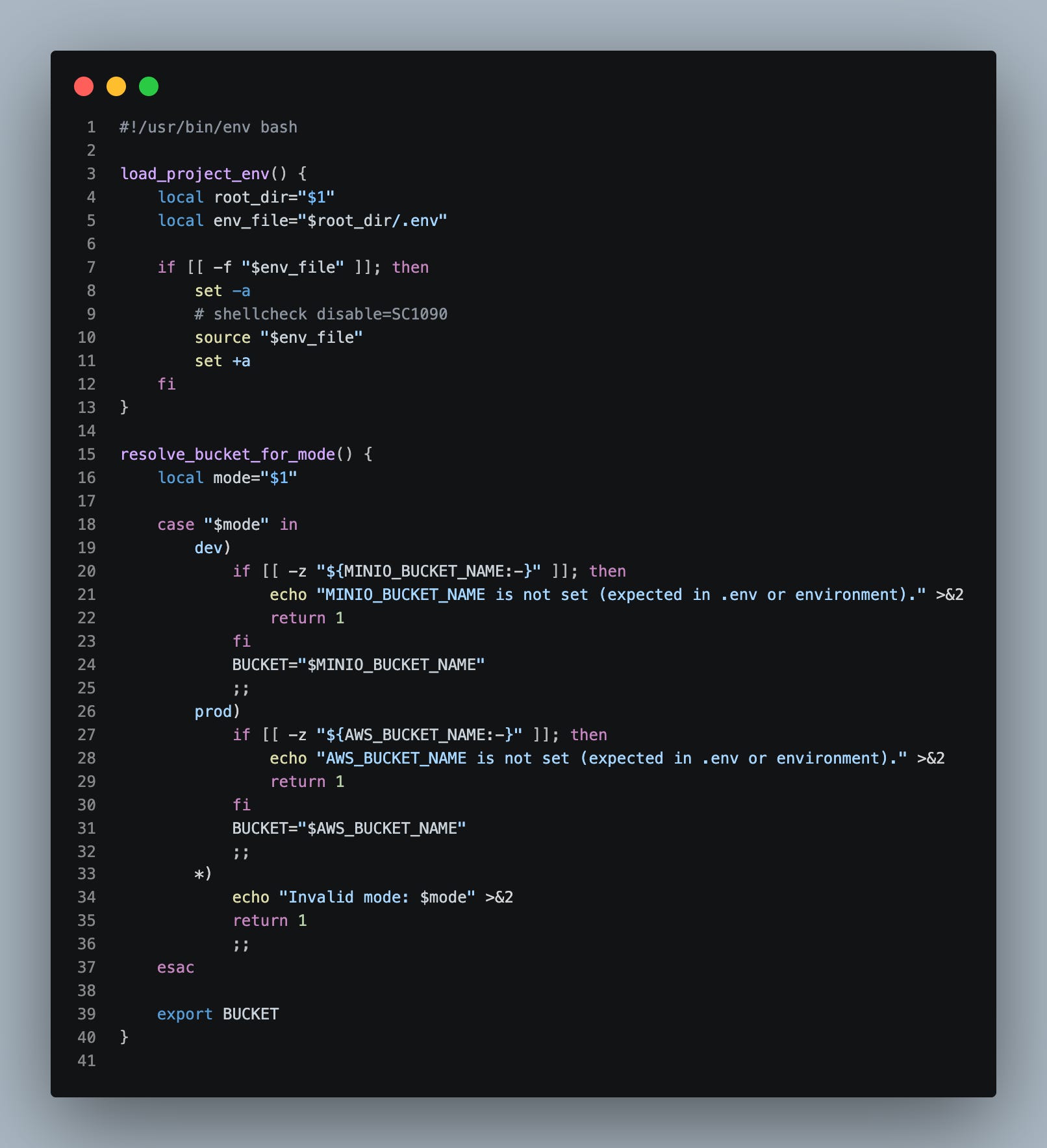
The function resolve_bucket_for_mode will get called in 2 other bash scripts:
the raw data load
the ETL/workload
Next, we have the bash script for the raw data load. When we run this script, we can simply pass in as a param either “dev” or “prod” depending on which environment we want to run the script on:
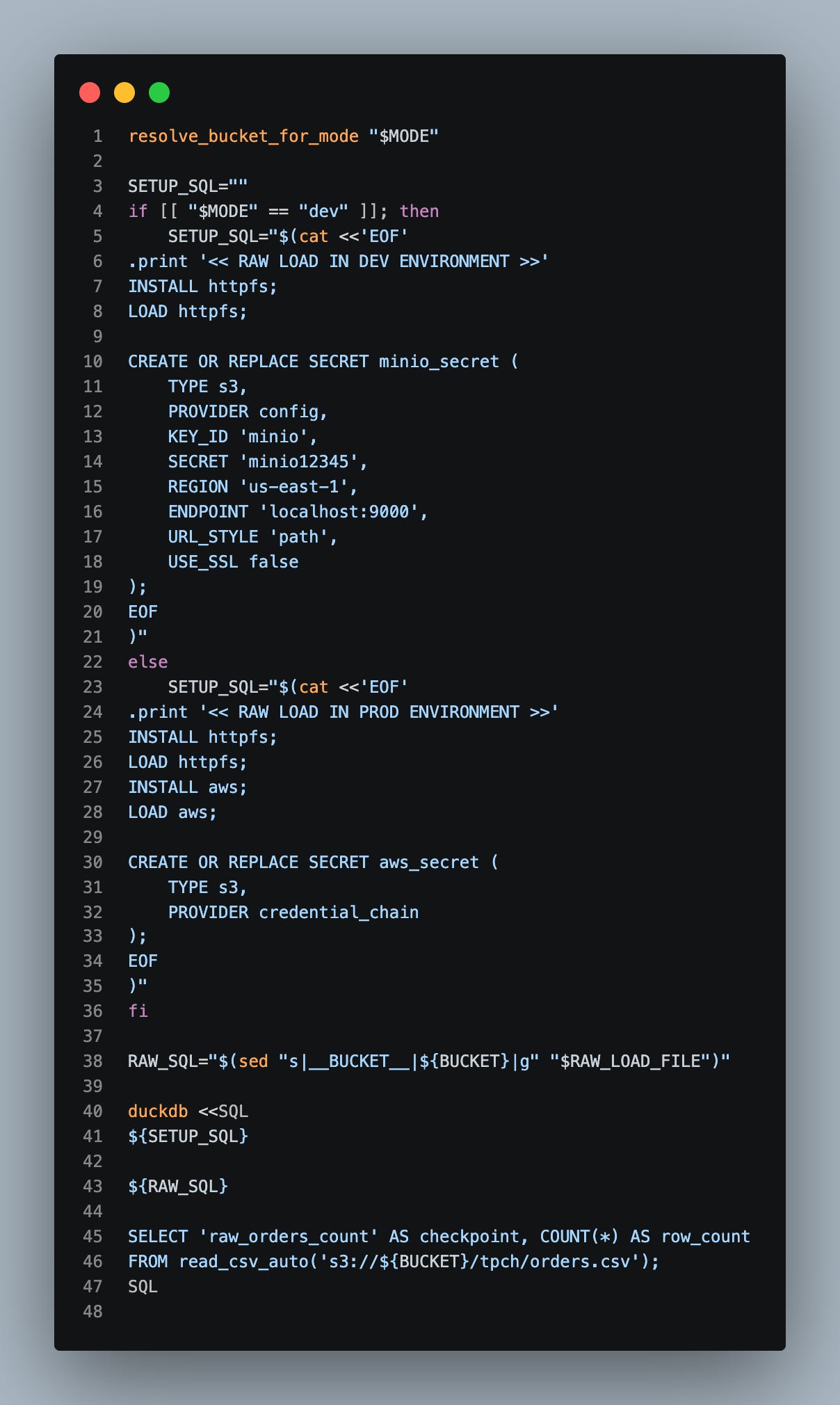
I think starting at line 10 is the secret sauce you’d probably care about on this post the most; it demonstrates how we setup our connection to MinIO if we are running in dev mode.
Finally, here’s the bash script to run the actual ETL:
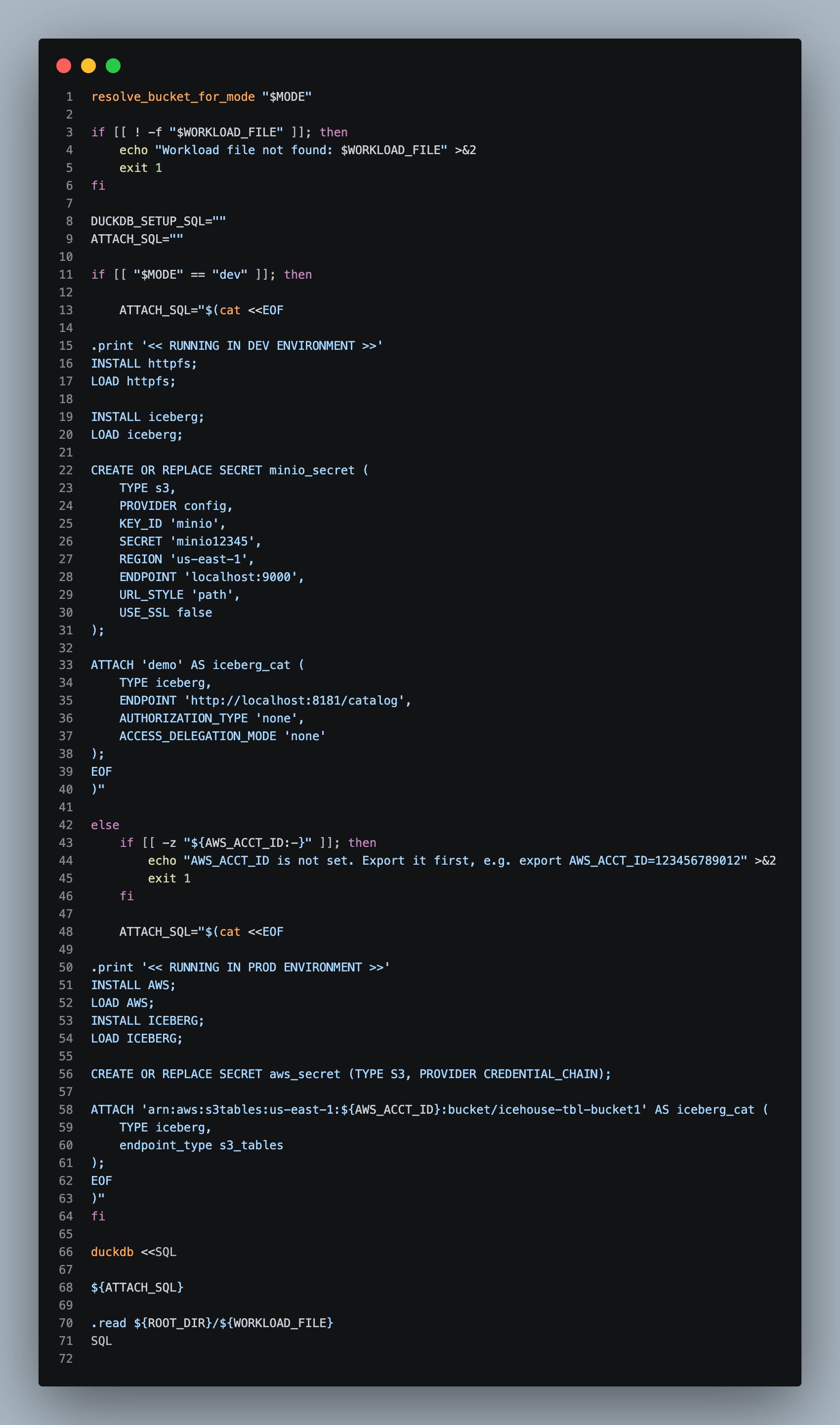
You’ll notice in this bash script, depending on our environment mode, we will either establish and attach a LakeKeeper connection to DuckDB or an S3 Table Bucket for AWS’s managed Iceberg experience.
Alright, Let’s Run This

Now that we have all the plumbing in place, let’s go actually run this.
First let’s spin up the Docker container:
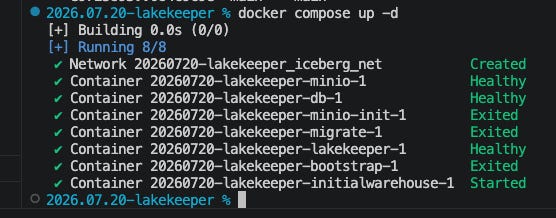
So far, so good. Now, let’s load the raw data to dev and prod. First dev:
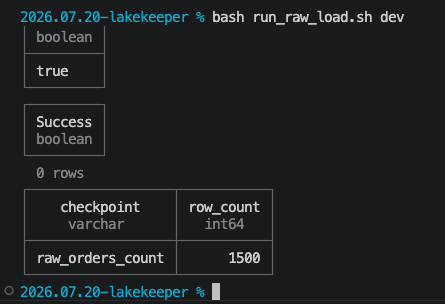
And now the raw load to prod (AWS):
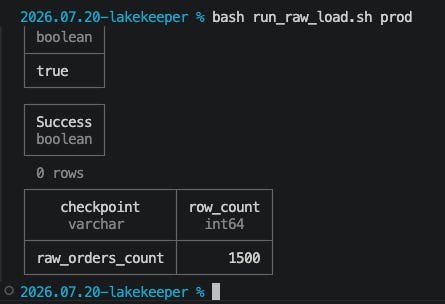
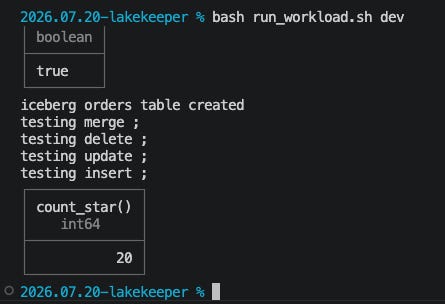
Alright, we have our raw data in both environments. Now let’s execute the actual Iceberg workload. First up - dev:
And now prod:
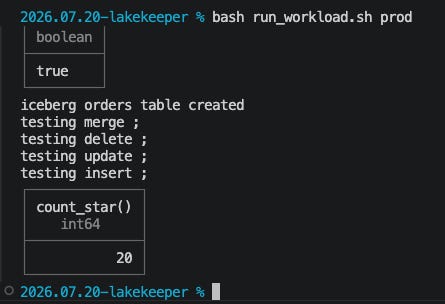
Wow - so easy a caveman can…wait a second…I don’t work for that company 🤣.
Let’s also go take a peak in Amazon Athena to verify the script isn’t lying to us:
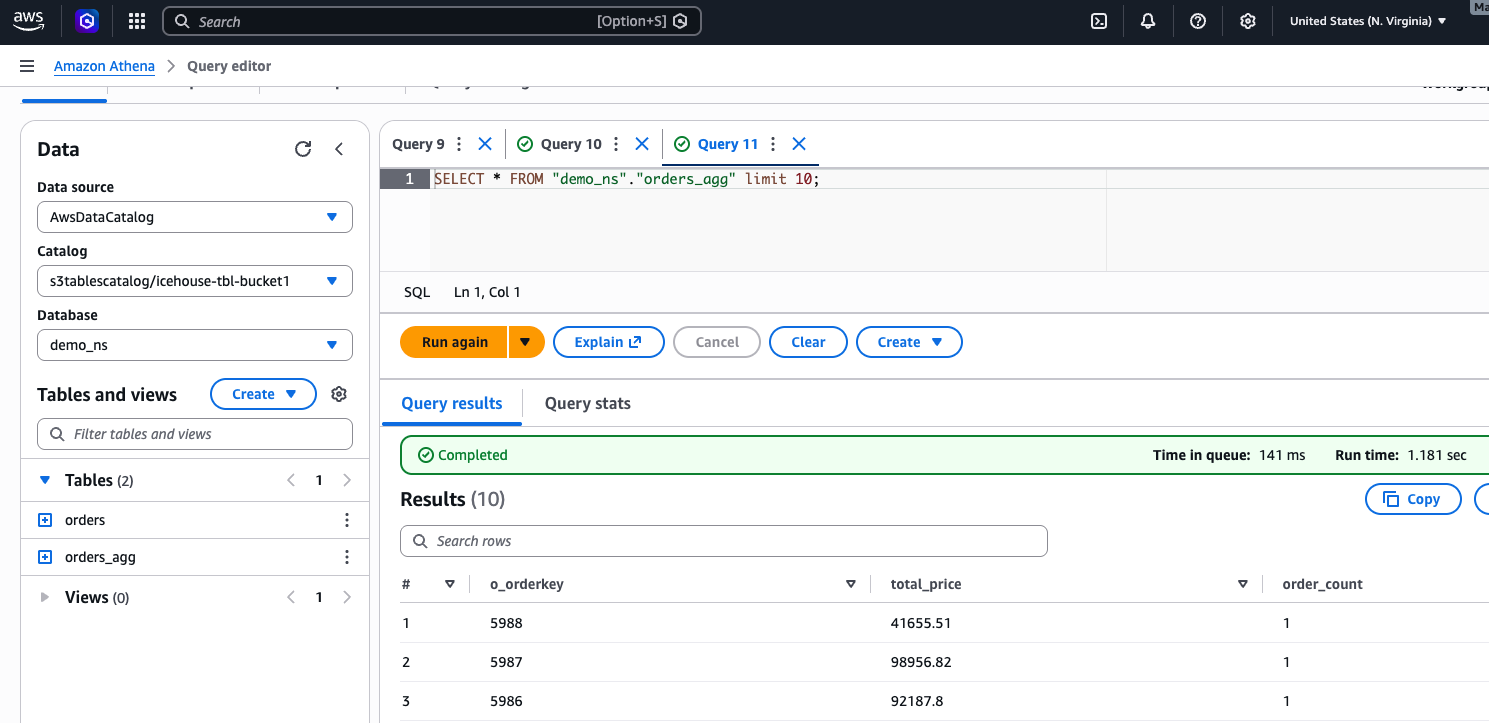
Bingo! All works.
Summary
At this point, I think we have hit a special setup for running Iceberg workloads locally to test, without the need for Spark. DuckDB covers all the DML/DDL I think most would need. And toggling between dev and prod is as simple as altering the secrets and attach statement for the Iceberg catalog.
One other think you will notice is this entire project was done without a single line of python code; the DuckDB CLI has come a very VERY long way and is very powerful out of the gate. That CLI coupled with some bash - and you are good to go.
On the subject of S3Tables vs. traditional AWS glue tables - yes, traditional glue tables with Iceberg support in AWS were out well before S3Tables came about; however, I think S3Tables have had enough runway at this point to hammer out most of the kinks, and overall, it’s a more fluid and easier experience to attach and create tables managed by the S3Table service. You don’t have to specify bucket paths for every table you make, and it fits better with testing against a local MinIO+Lakekeeper setup IMO.
I hope this inspires others to realize they don’t always need that spark sledgehammer, and that they could probably save some significant $$$ going this route instead.
Thanks for reading,
Matt